Delete your account
You can delete your account from inside the app, any time.
How to
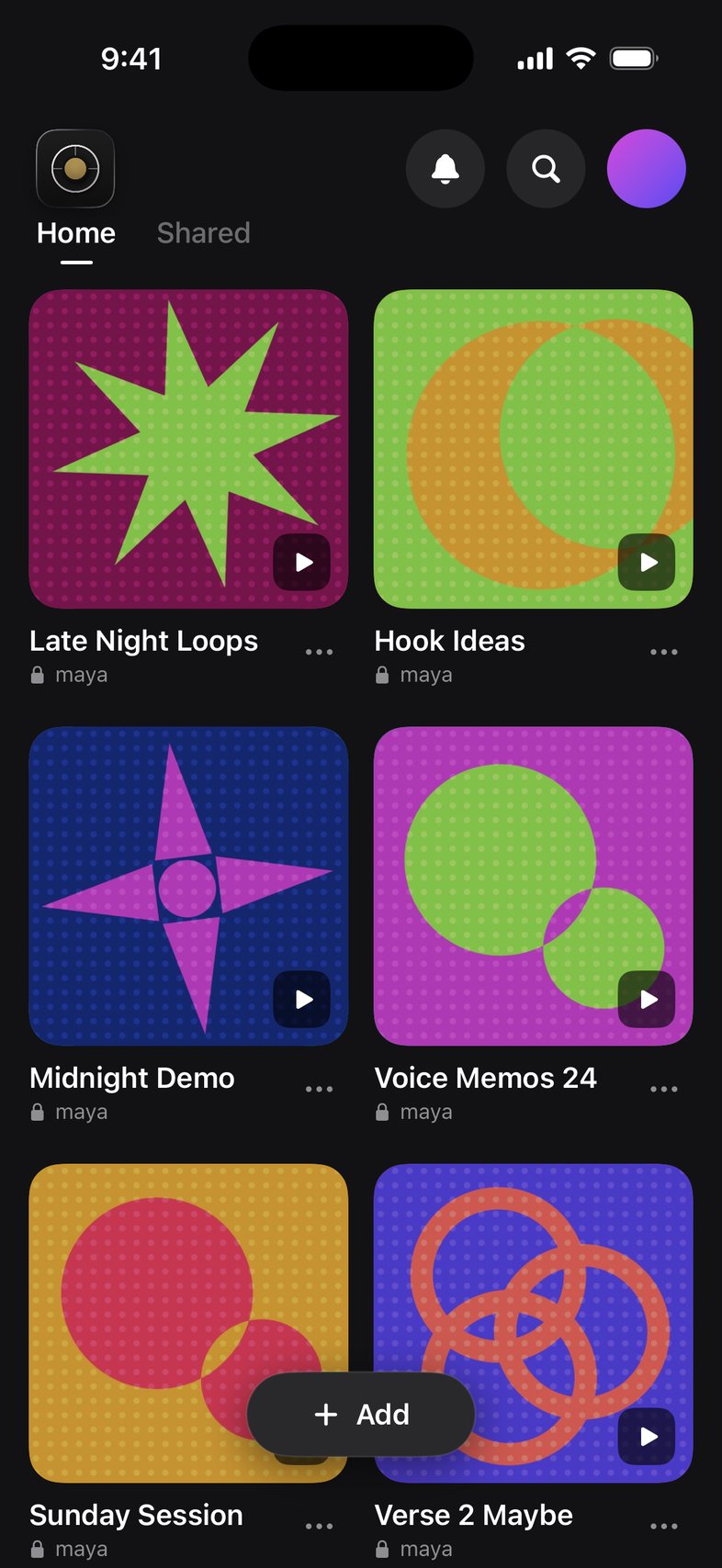
- Tap your profile picture in the top right.
- First, delete the libraries you own or hand them to a collaborator.
- Scroll down in Your Account and tap Delete account, then confirm.
Good to know
- Work you added to other people's libraries stays with those libraries.
- Deleting your account doesn't cancel a subscription. Cancel Member first under Plan & storage.
- Can't open the app? Email us from the address on your account and we'll delete it for you.
Something not working? Email us.