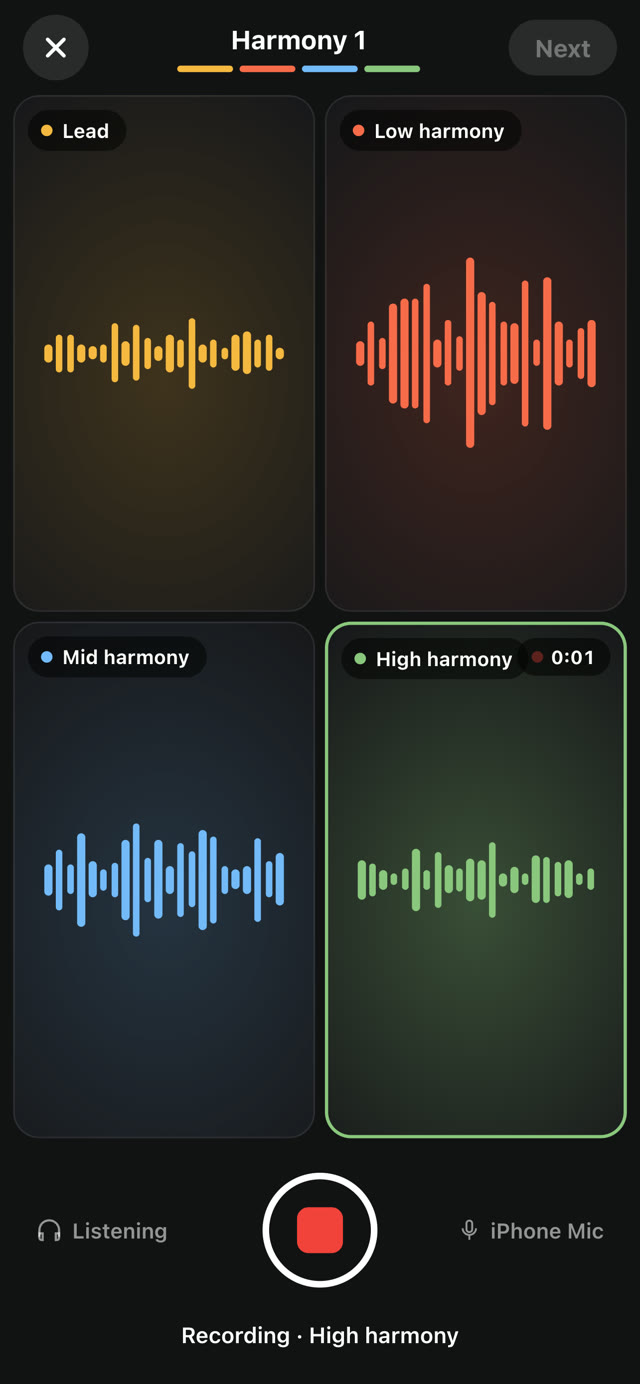
Line up, retake and mix your parts
Nudge any part into time, retake or double it, and shape it with EQ, delay and reverb.
How to
- After recording, tap a part to line it up.
- Drag its clip against your lead's waveform to move it earlier or later. Video and audio move together.
- Use the buttons on the right: Retake records the part again, Double adds a stacked take (up to 2 per part), and Mute or Remove takes it out.
- Tap More to set the part's volume or rename it.
- Shape a part with EQ, Comp, Delay, Reverb and Special (chorus and doubler). Tap All FX to shape the whole video at once.
Good to know
- Tap Loop to trim every part at once into a loop that repeats seamlessly.
- Tap undo if a change doesn't sound right.
- Removing a part takes it out of the harmony. Its original camera take stays saved on your iPhone.
Something not working? Email us.