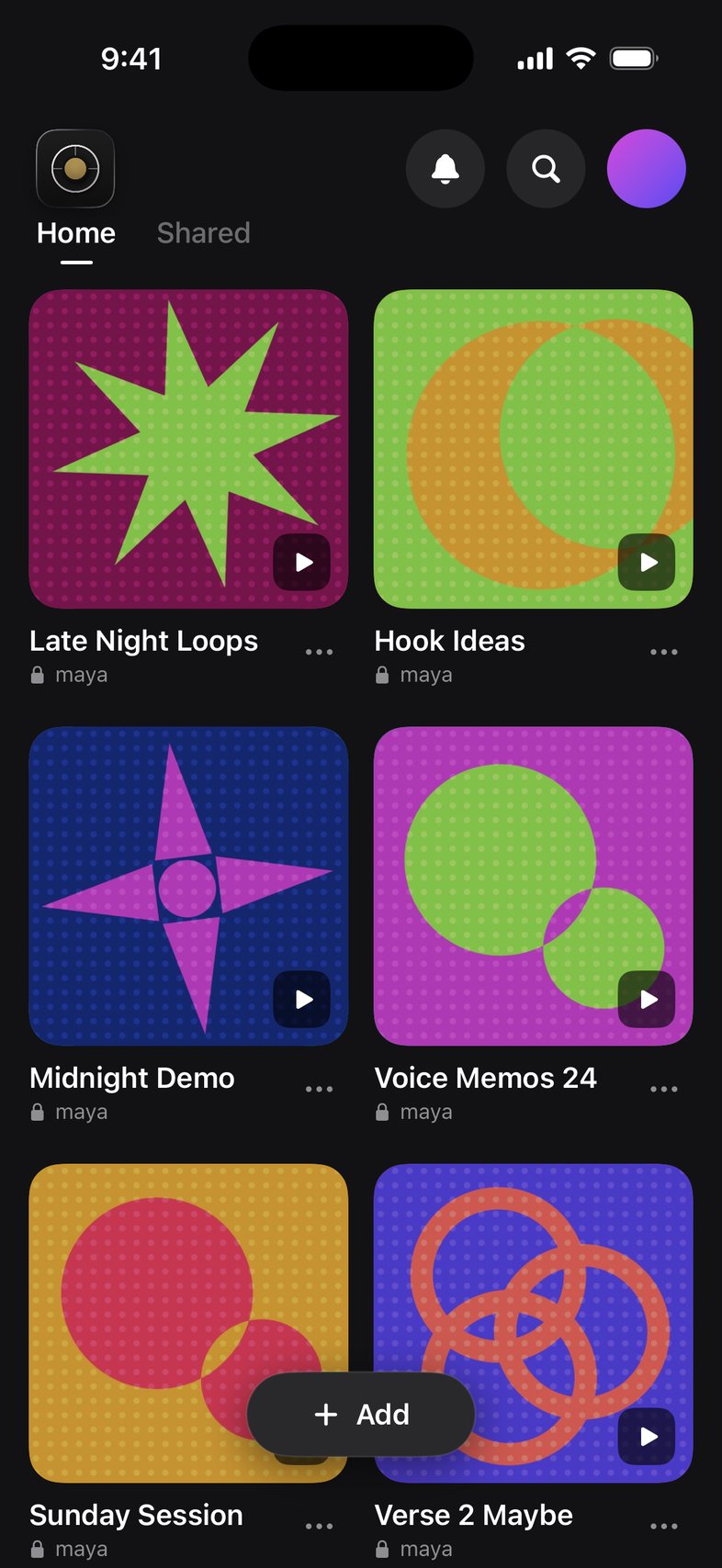
Libraries and cover art
Keep ideas organized in libraries with their own cover art.
How to
- On Home, tap + Add, then Create Library.
- Open a library and tap the cover to pick from Featured covers, take a photo or choose one from your library.
- Tap + Add tracks to bring in songs, or Import Audio from Files.
- On a song, tap ⋯, then Move to Library to file it somewhere else.
Something not working? Email us.