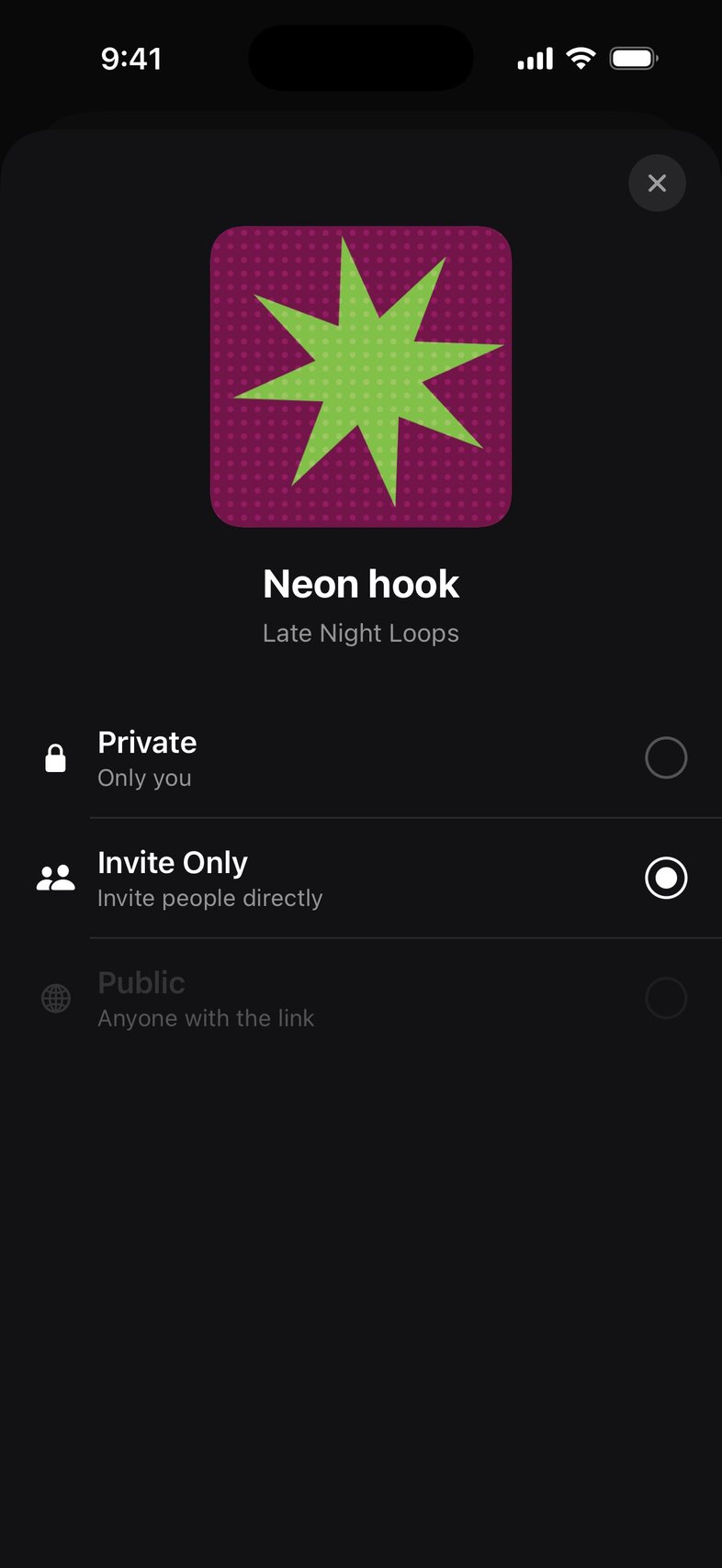
Share privately or with a link
Every song starts private. Choose who can listen: only you, invited people, or anyone with the link.
How to
- On a song, tap ⋯, then Share, then Share project.
- Tap the access row to choose Private, Invite Only or Public.
- For Invite Only, invite people directly. For Public, copy the link and send it.
- Change it back to Private at any time to stop sharing.
Good to know
- A song finishes its first cloud sync before it can be shared.
- Invite Only, expiring links and listener Insights are part of Member.
Something not working? Email us.