Your Harmony library and drafts
Saved harmonies play on repeat in your Harmony library. Unfinished ones wait in Drafts.
How to
- On Home, tap Harmony, then Library or Drafts.
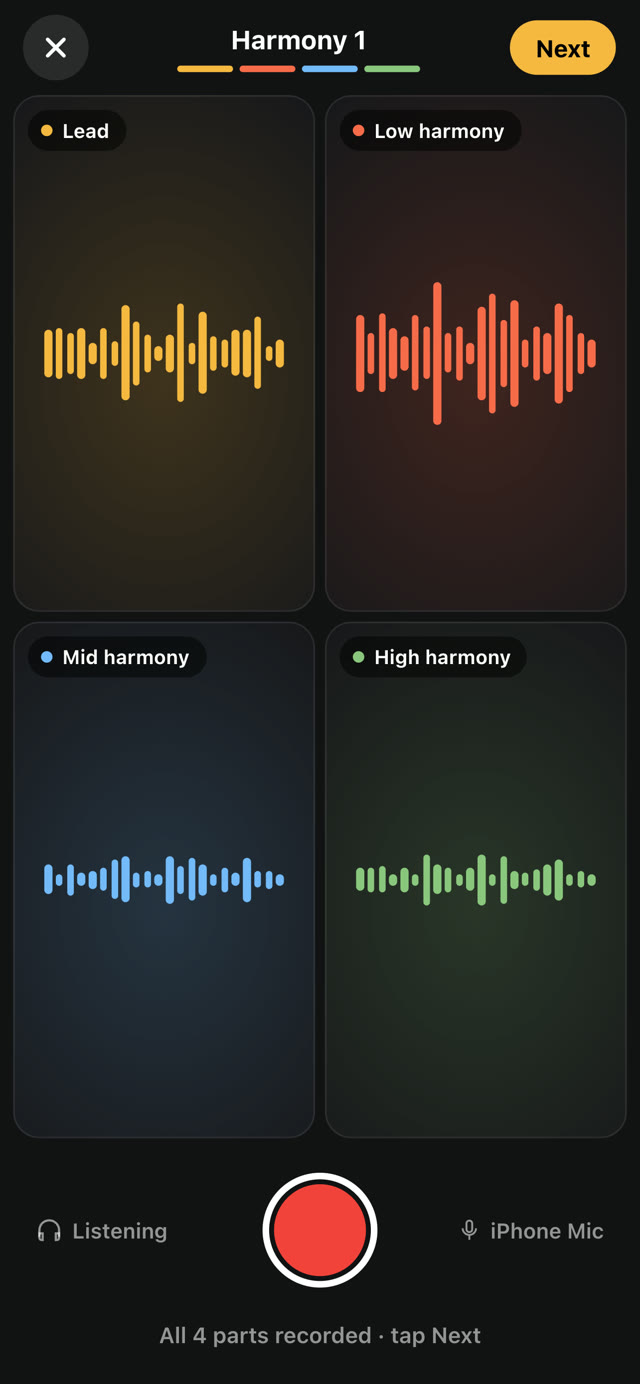
- Drafts are harmonies you haven't saved yet. Dashed squares are parts you still need to record. Open a draft to keep going.
- Open a saved harmony to watch it full screen. Swipe up for the next one.
- Switch between Video, Audio and Parts. Audio shows the notes each voice sings. Tap a voice to solo it.
- Tap ⋯ to share the video or the audio, or to edit the original session.
Good to know
- Harmony camera sessions are saved on your iPhone.
- To delete a draft, tap ⋯ on it, then Delete harmony. This removes its video and audio from your iPhone and can't be undone.
Something not working? Email us.