Trim your take into a loop
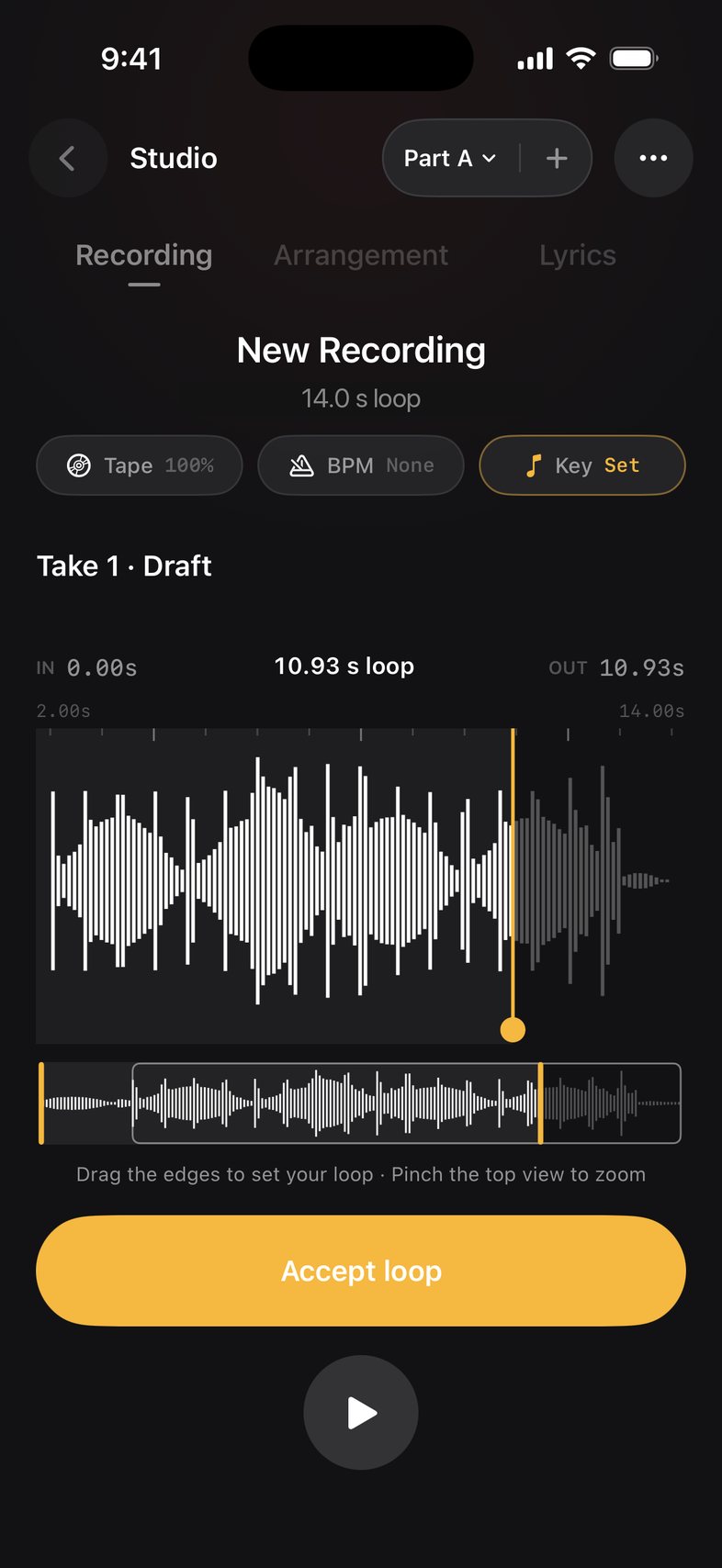
Drag the edges of your first take, then tap Accept loop. That length becomes the loop.
How to
- Stop your first recording. It opens as Take 1 · Draft.
- Drag the yellow handles to set where the loop starts and ends.
- Pinch the top waveform to zoom in for a clean loop point.
- Tap play to hear it loop, then tap Accept loop.
Good to know
- The bottom strip shows the whole take, so you can move the loop window anywhere in it.
Something not working? Email us.